


As the internet is progressing to a different level our browsers are getting smarter and capable of handling many things. User experience has increased multifold. I still remember the days when developers used to struggle with simple design implementation on Microsoft internet explorer 6. Fonts have always been an integral part of web pages. Google Fonts is an open-source library having 1000+ choices that can enhance your webpage.
I tried to compile a list together of the best 12 most used fonts by many web designers and developers our there. Let me know which one if you’re favorite.
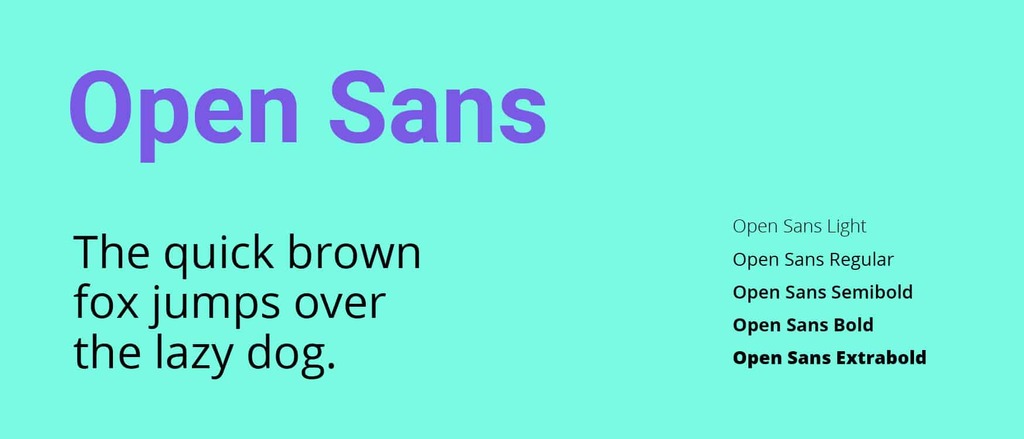
Open Sans

Lato

Cairo

Montserrat

Noto Sans

Poppins

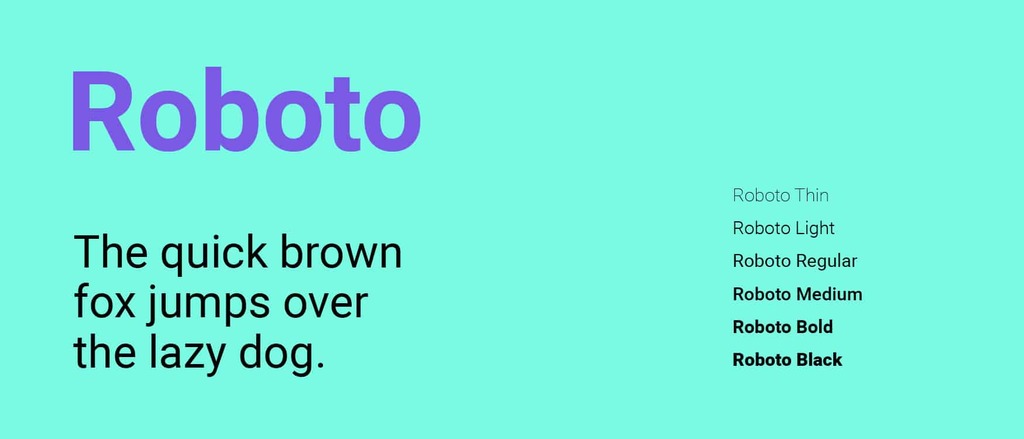
Roboto
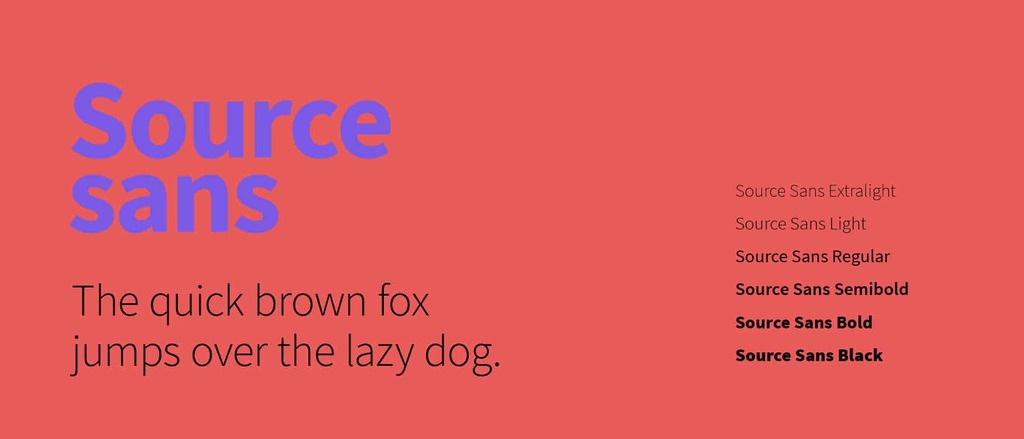
Source Sans
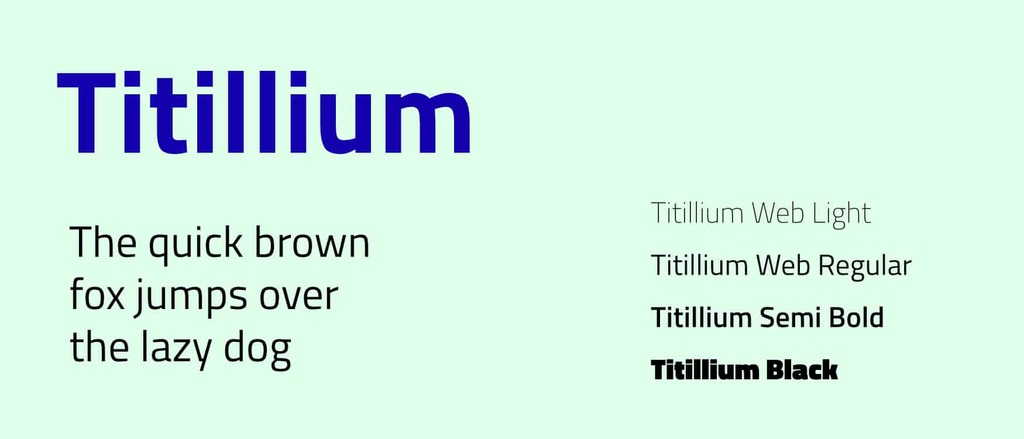
Titillium
Vollkorn
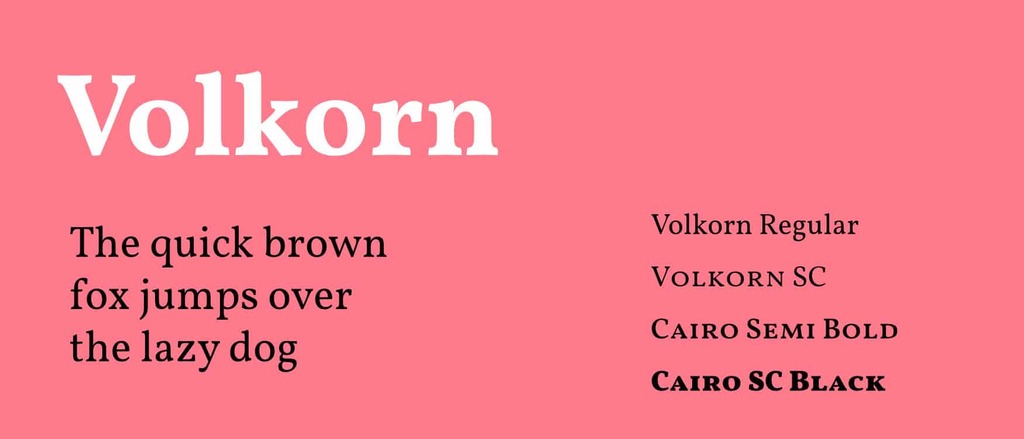
Alegreya

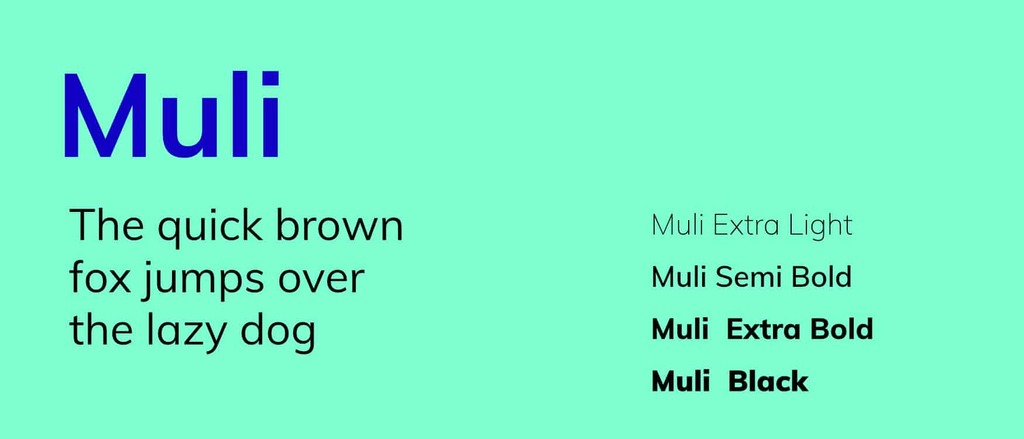
Muli
How to use google fonts on website
Implementation of google fonts is very simple.
1. Choose a font. You can add it to your collection or use “quick-use” to generate the code and options for that font.
2. Copy and paste the code generated into your <Head>
<head> <link rel="stylesheet" type="text/css" href="http://fonts.googleapis.com/css?family=Tangerine"> </head>
3. The font is now accessible in your CSS code
body { font-family: 'Tangerine', serif; font-size: 48px; }
You can also use this detailed guide on for styles, script subsets, and using multiple fonts.

